Teams
A team is a roster with one captain. Teams have no size limit, so you can keep twenty players on the roster. What's limited is the lineup you bring to a given scrim, and that limit comes from the game mode, not the team.
That is the one idea worth internalising: a team is who you play with, a lineup is who you brought today.
Create a team
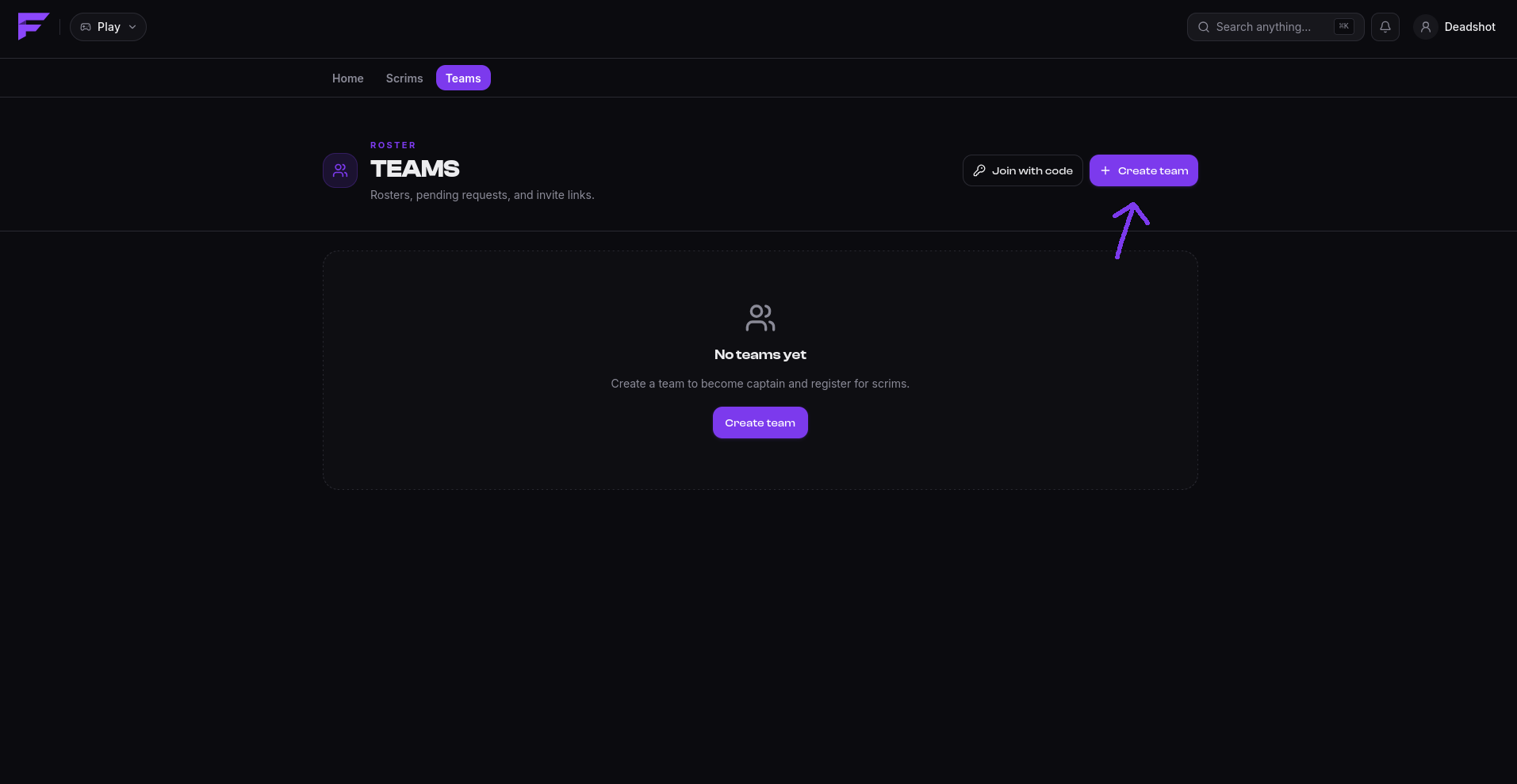
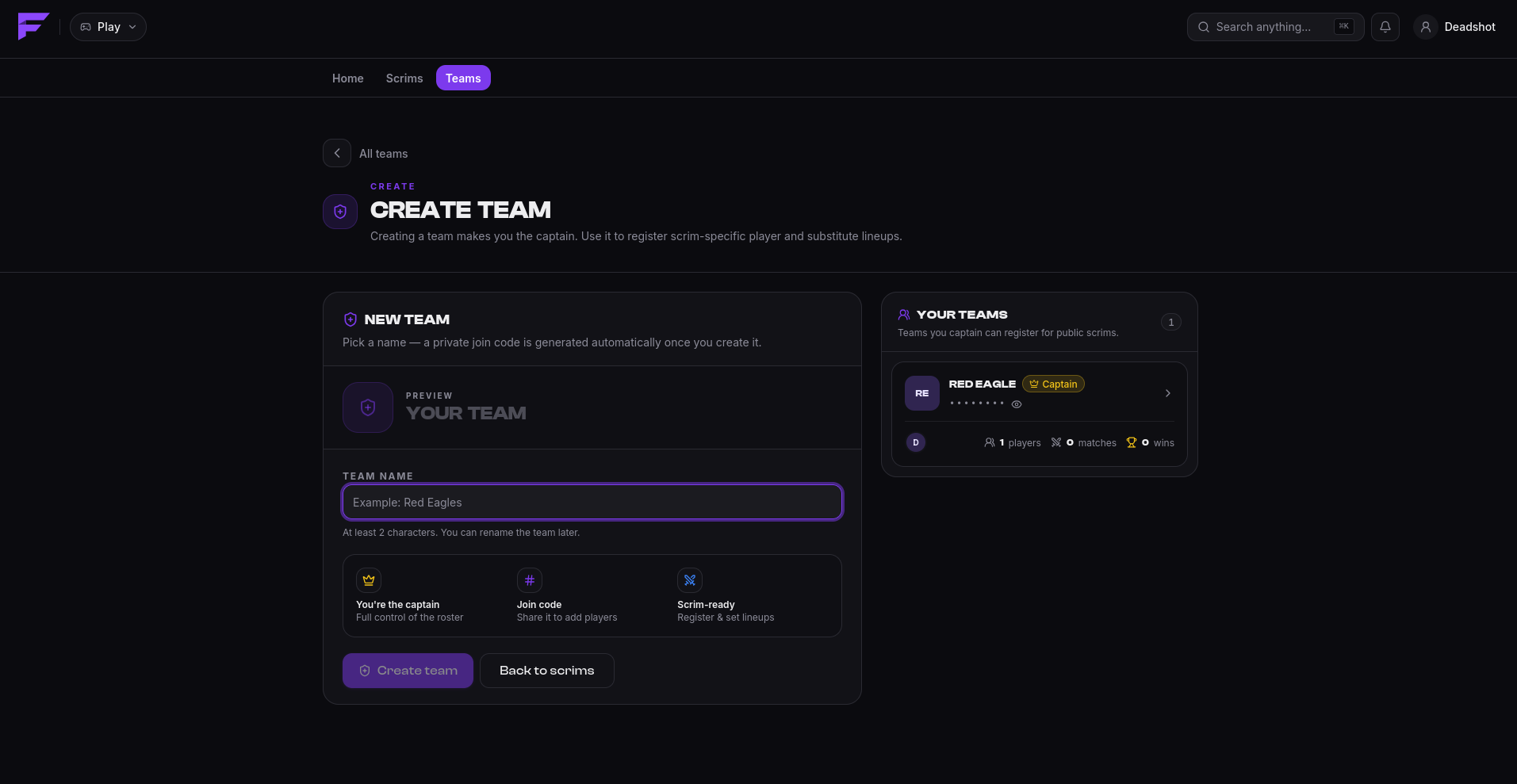
On play.finalist.live, go to Teams → New team, give it a name, and you're the captain. Finalist gives the team a team code at the same time, a short code others use to ask to join.
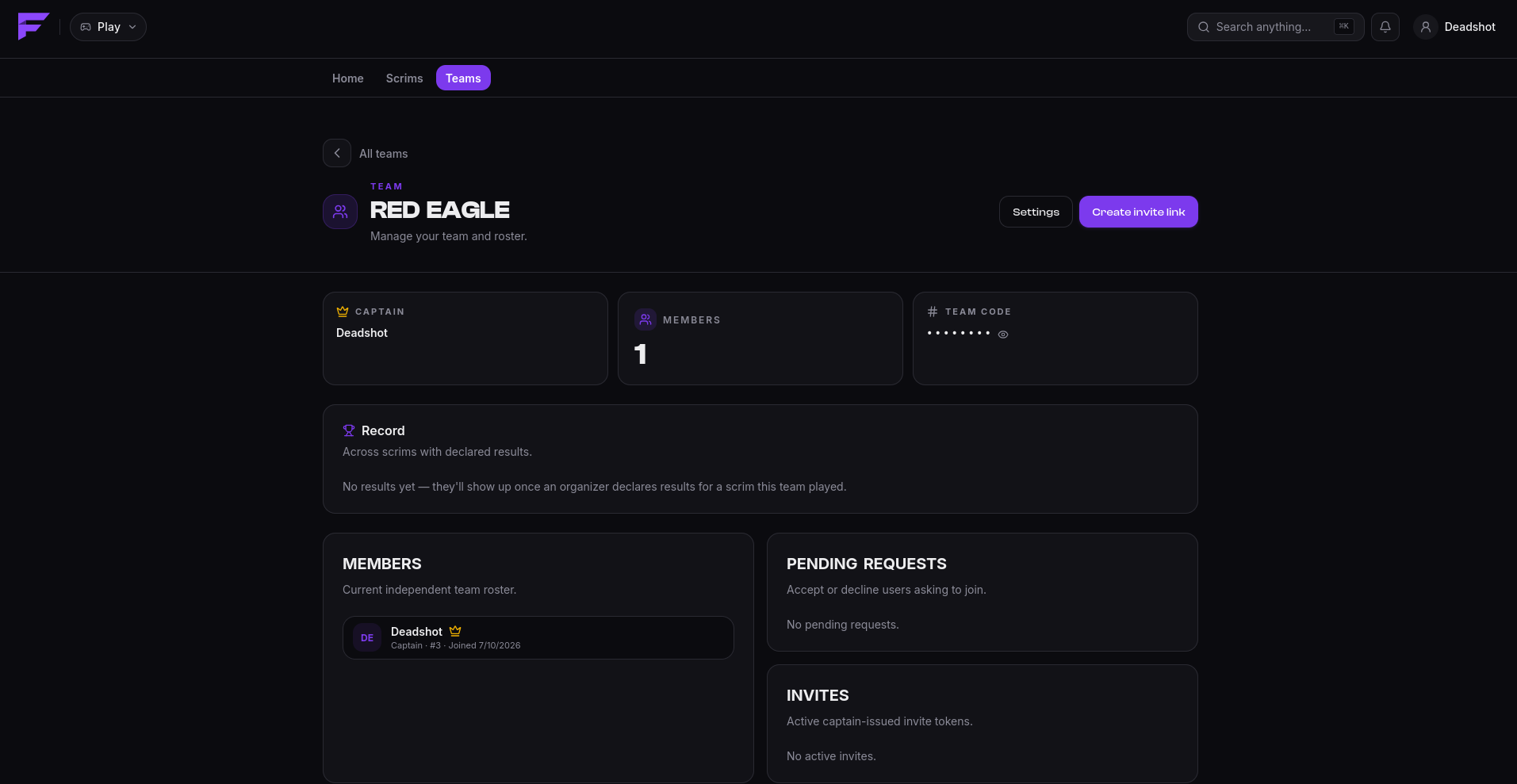
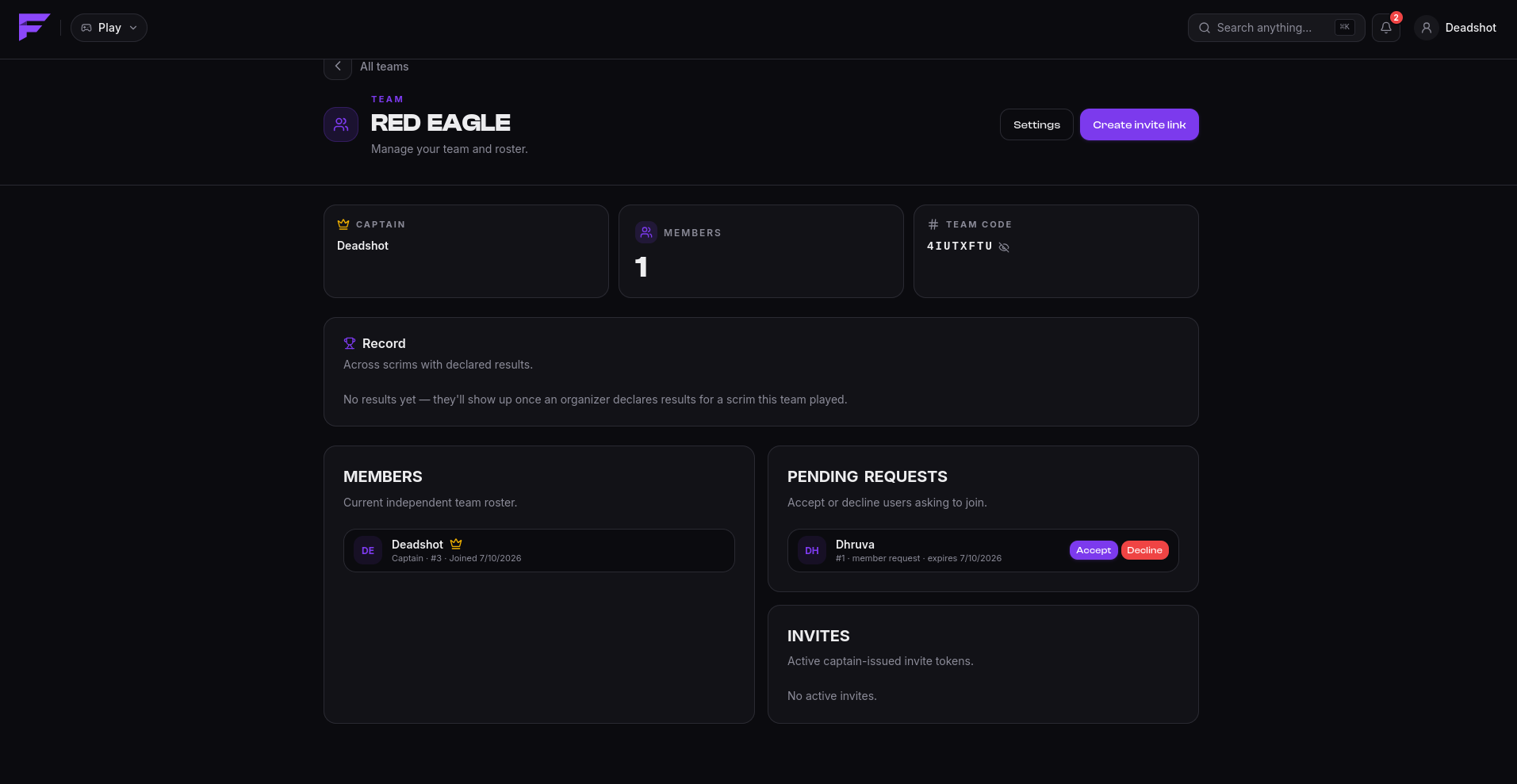
Once it exists, the team's own page carries the roster, the captain, the team code, any pending join requests, and the invite links you've issued.
Joining a team
There are two ways in, and they differ in who does the approving.
With an invite link
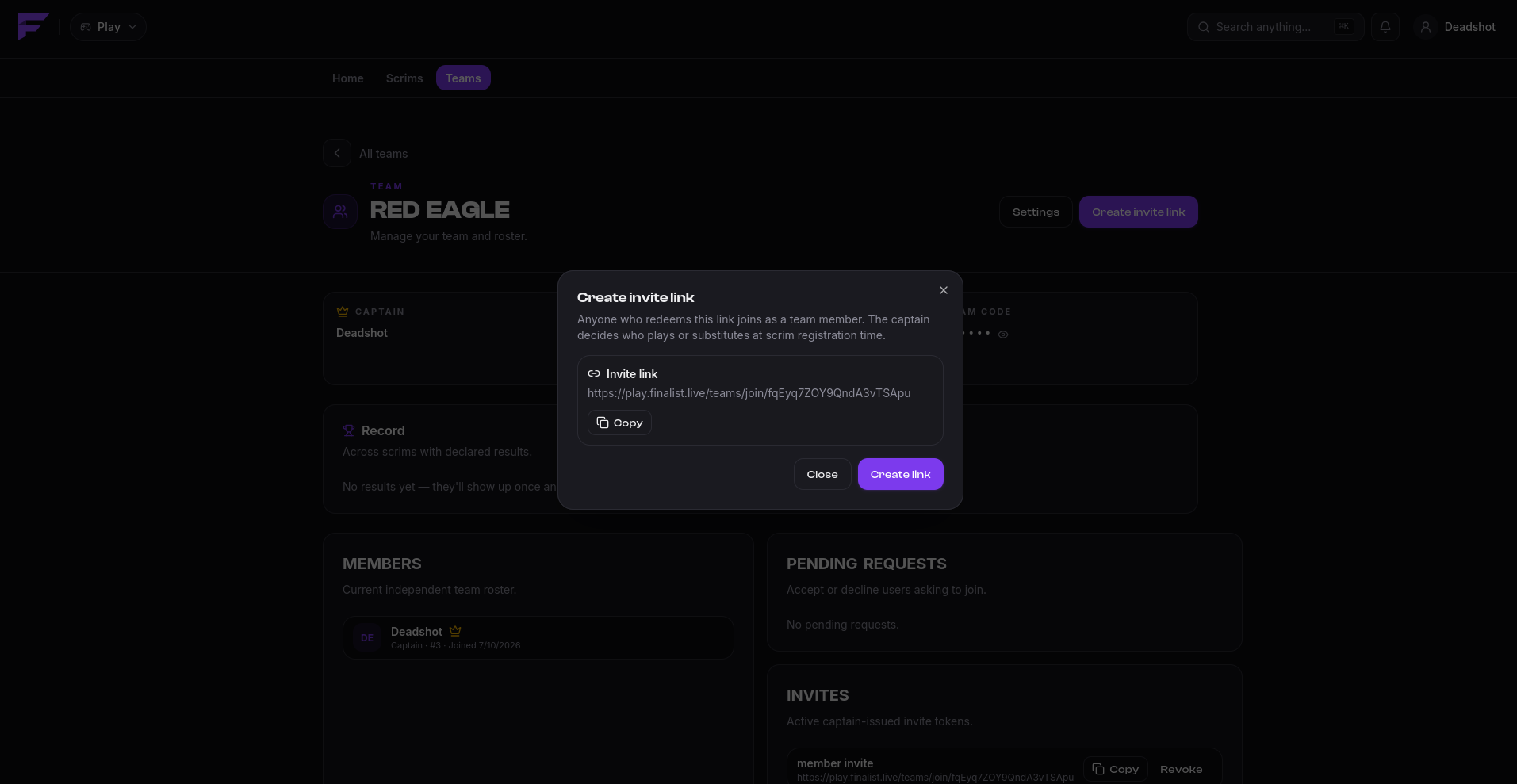
The captain generates a link. Opening it shows you the team before you commit; accepting puts you straight on the roster with no approval step. Captains can cap how many times a link is used and when it expires, and revoke it at any time.
A link can add you as a member or as a substitute. The captain chooses which when creating it.
With a team code
You search for the team, send a join request using its code, and the captain approves or declines it. Pending requests expire after one hour, so if nobody answers, just ask again.
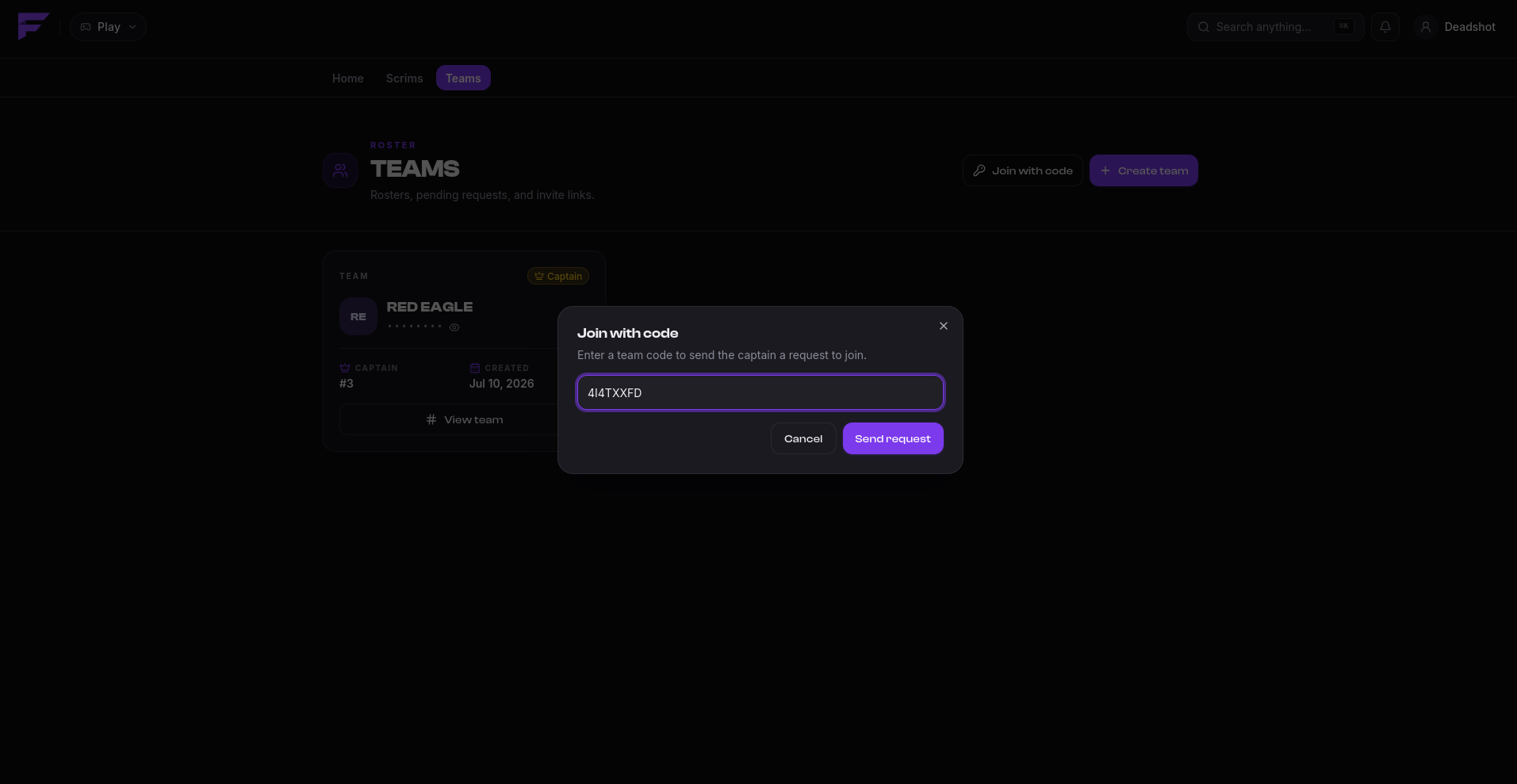
The captain sees it under Pending requests and accepts or declines.
You can see and cancel your own outgoing requests from the Teams page.
Members and substitutes
| Type | Meaning |
|---|---|
| Member | Counts toward the lineup normally. |
| Substitute | Can be put in the lineup only when the scrim allows substitutes. |
Hosts set how many substitutes a team may field per scrim; it can be zero.
Captains
The captain is the only person who can:
- register the team for a scrim, and pick the lineup
- unregister it
- accept or decline join requests
- create and revoke invite links
- kick members
- rename or delete the team
Everyone else is on the roster and plays.
Leaving
Any member can leave a team from its page. The captain cannot leave their own team, because a team is never captainless. If you're the captain and you're done with the team, delete it.
Leaving a team does not withdraw you from a scrim that has already started.