Organizations
Scrims belong to an organization, never to a person. Before you can host anything you need one, and if you're on a team with other admins, the org is what you share.
Create one
There are two ways to get an organization, and they differ in where you start.
On the web
On app.finalist.live, create an organization with a name and a slug. The slug is lowercase and unique, and it becomes your public address:
https://finalist.live/o/your-slug
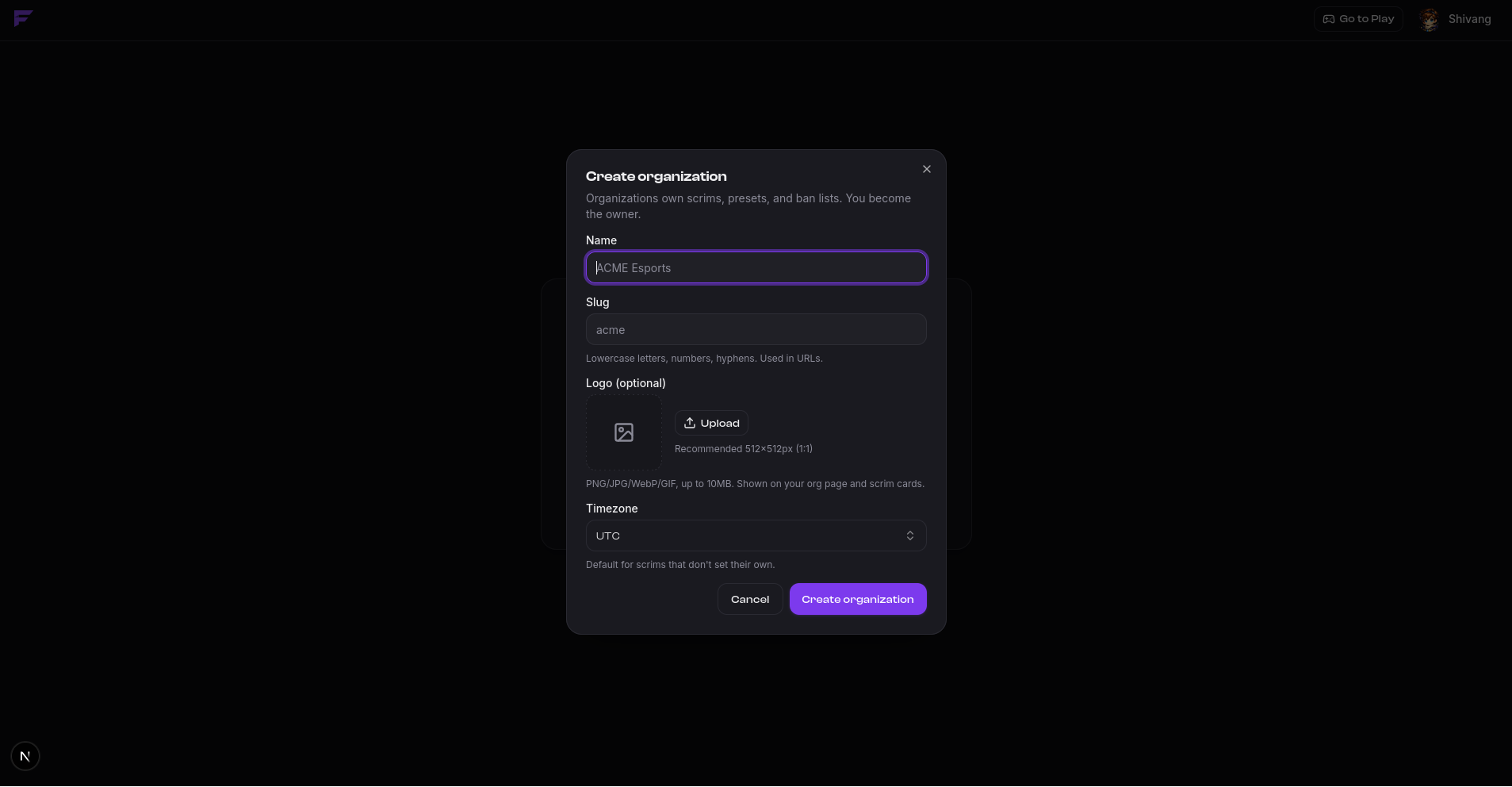
You are the owner of any org you create this way.
From Discord
Invite the bot to a Discord server and Finalist provisions an organization for it
automatically, named after the server, with a slug derived from that name. It arrives
unclaimed: no owner, no members, until someone claims it with /claim or from the web.
This is the shortest path from nothing to hosting, and it's covered in Connect your server.
Your public page
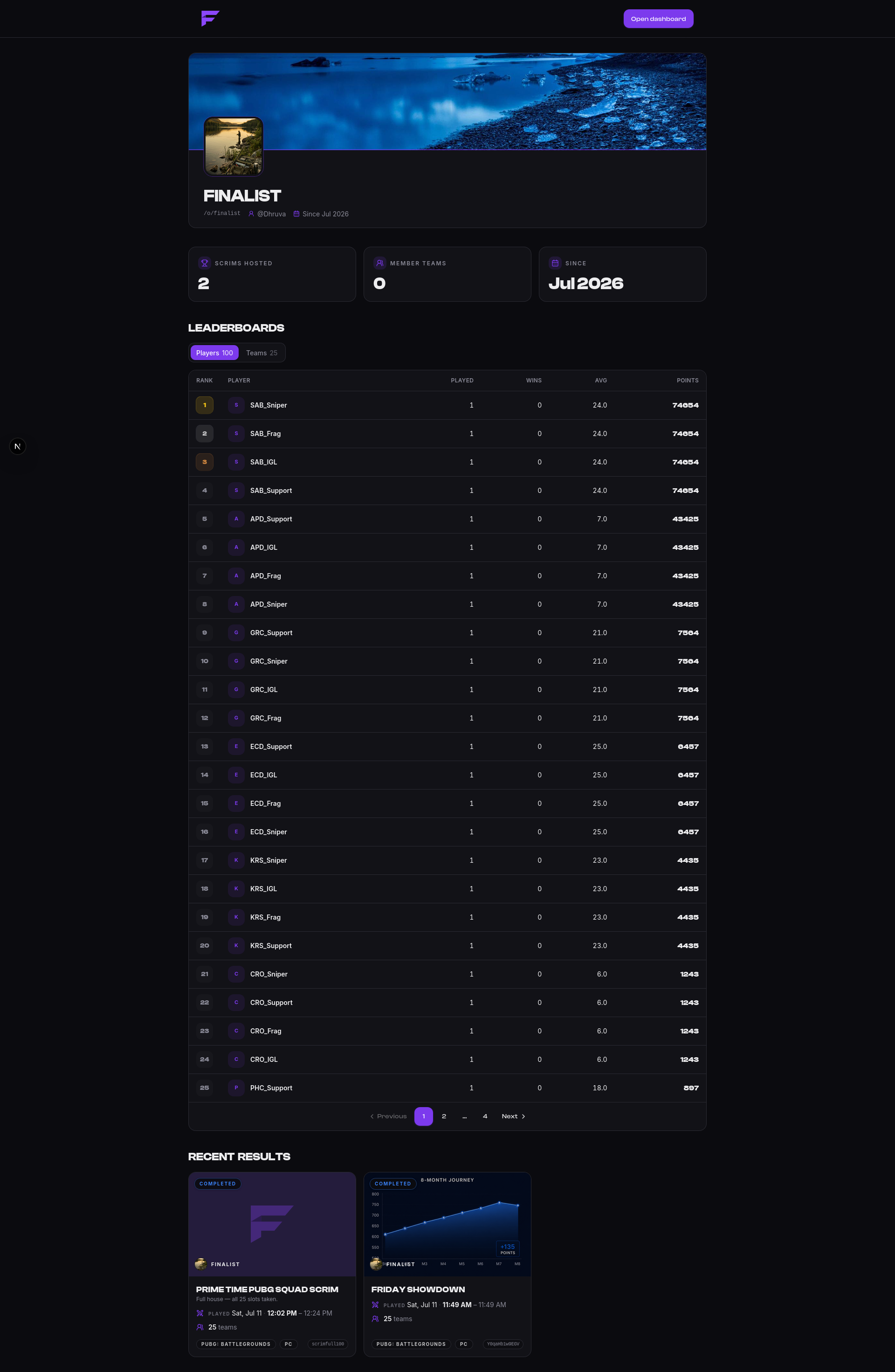
Either way, the org gets a public page showing your identity, the scrims you're hosting, and your player and team leaderboards. Anyone can view it without an account.
Switching organizations
You can belong to several organizations. The management app always acts on one active
organization at a time, picked from the switcher. Everything you do in /manage applies
to whichever org is active, so glance at the switcher before you create a scrim.
Members and roles
Members join by invitation only. There's no request-to-join flow, and no public sign-up.
| Role | Can do |
|---|---|
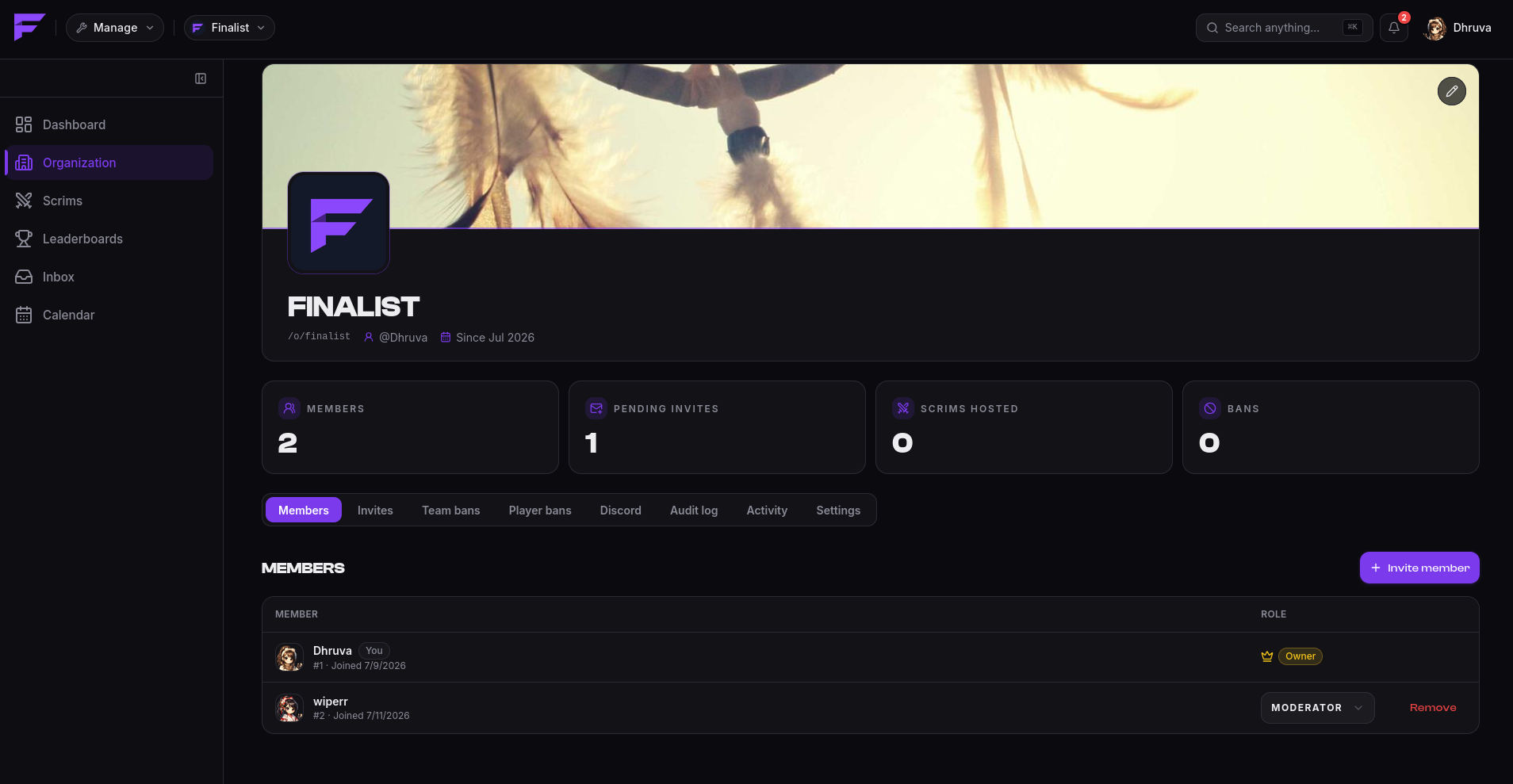
| Owner | Everything, including handing the org to someone else. |
| Admin | Every org action except transferring ownership. |
| Moderator | A limited set of moderation actions. |
There is exactly one owner at a time. An org you create is owned by you; an org created from a Discord install has no owner at all until it's claimed.
Transferring ownership
Only the current owner can transfer, and only to somebody who is already a member. Invite them first if they aren't.
The swap happens in one move: the person you name becomes the owner, and you stay in the org as an admin. You both get told. Like every other consequential action, it lands in the audit log.
Inviting
Invite by username, and search picks the account. Choose the role when you send it. Invites expire after 7 days, and you can cancel a pending one at any time.
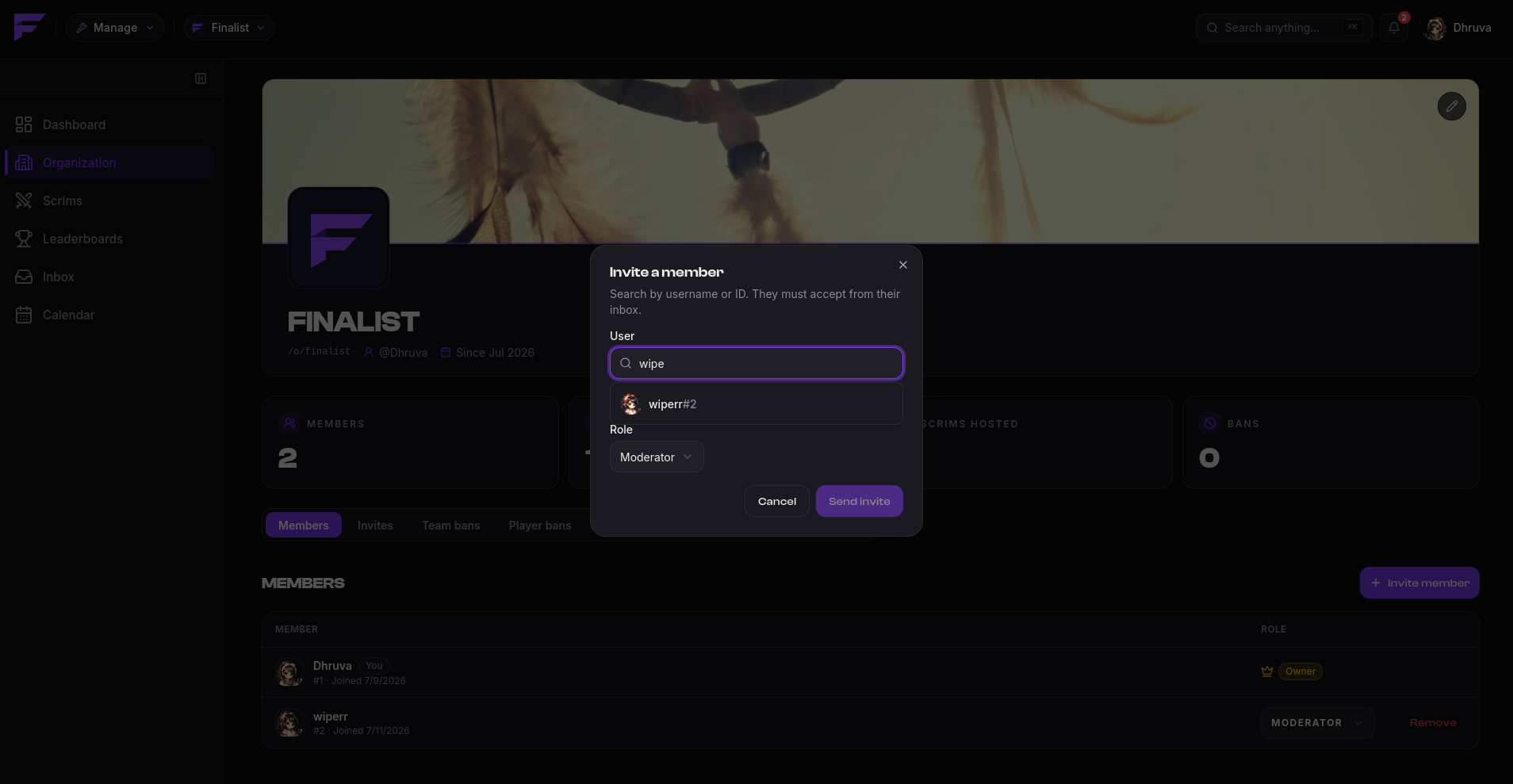
The invited person sees it in their invites and accepts or declines. You're notified either way.
Branding
Give the organization a name, logo, banner and timezone. The timezone matters more than the rest: it's what recurring scrim schedules are computed against.
Bans
Organizations keep their own ban lists, separate from Discord's.
- Team bans stop a banned team registering for any of your scrims.
- Player bans stop a banned player registering, and a team carrying one is rejected.
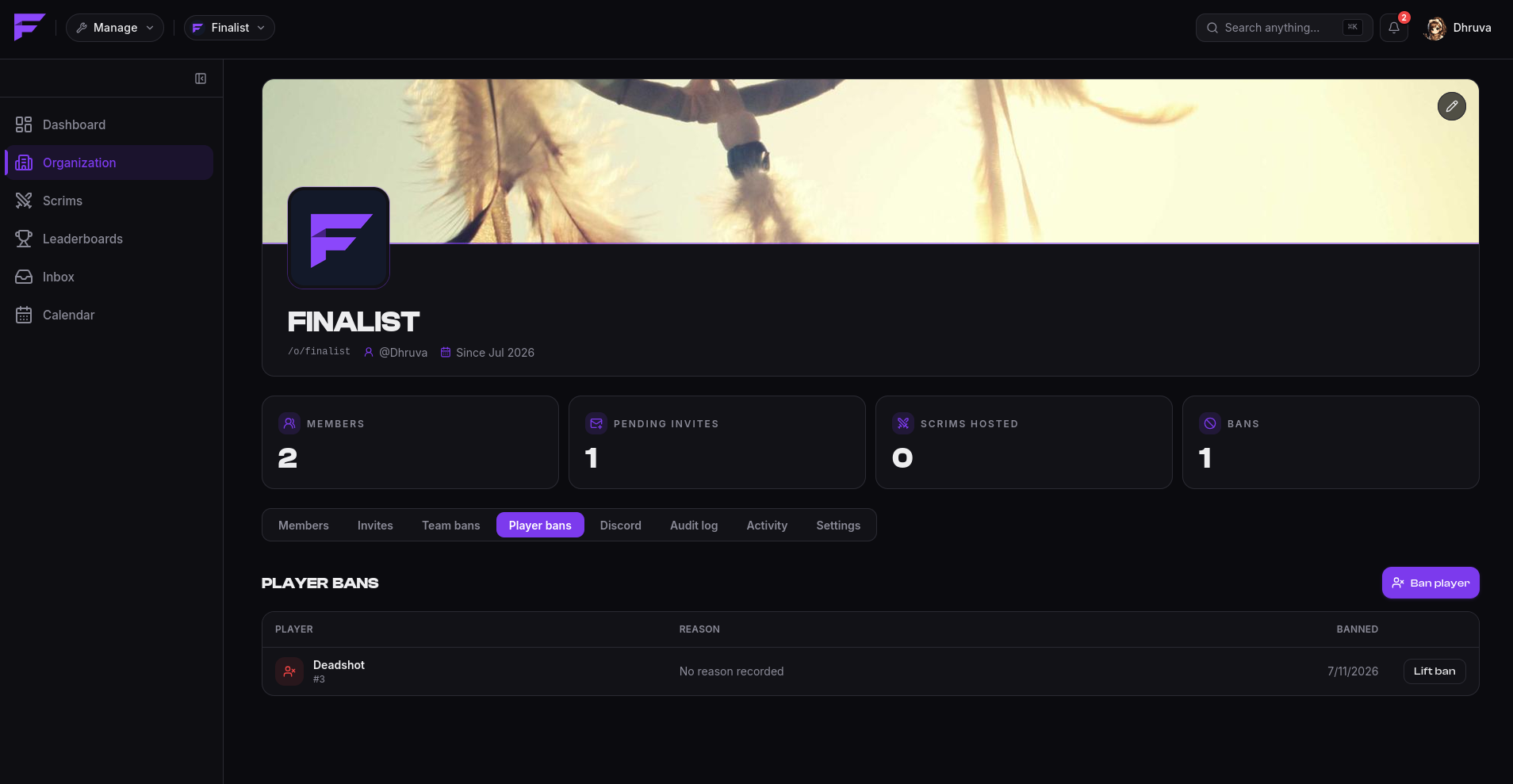
Bans are per-organization. Banning someone from your org does not affect any other org.
Audit log
Every consequential action is recorded: org created, claimed or updated, ownership transferred, member roles changed, members removed, invites sent, accepted, declined or cancelled, and every ban and unban. Each entry records who did it and when.
There's also an access log showing member activity in the org.
Connecting Discord
An org can connect Discord servers to receive announcements. See Connect your server.