Getting Started
Finalist runs scrims: you host them, teams register, slots get assigned, room details go out, results get declared. It is a web platform with a Discord bot attached, and which half you spend time in depends on who you are.
Three places, one account
| Where | Who it's for |
|---|---|
| finalist.live | The public site: sign in, and public organization pages. |
| play.finalist.live | Players: your teams, scrims you enter, your results. |
| app.finalist.live | Organizers: your organization's scrims, slots, and results. |
One account signs you into all three. The session is shared across the subdomains, so you never log in twice.
Create your account
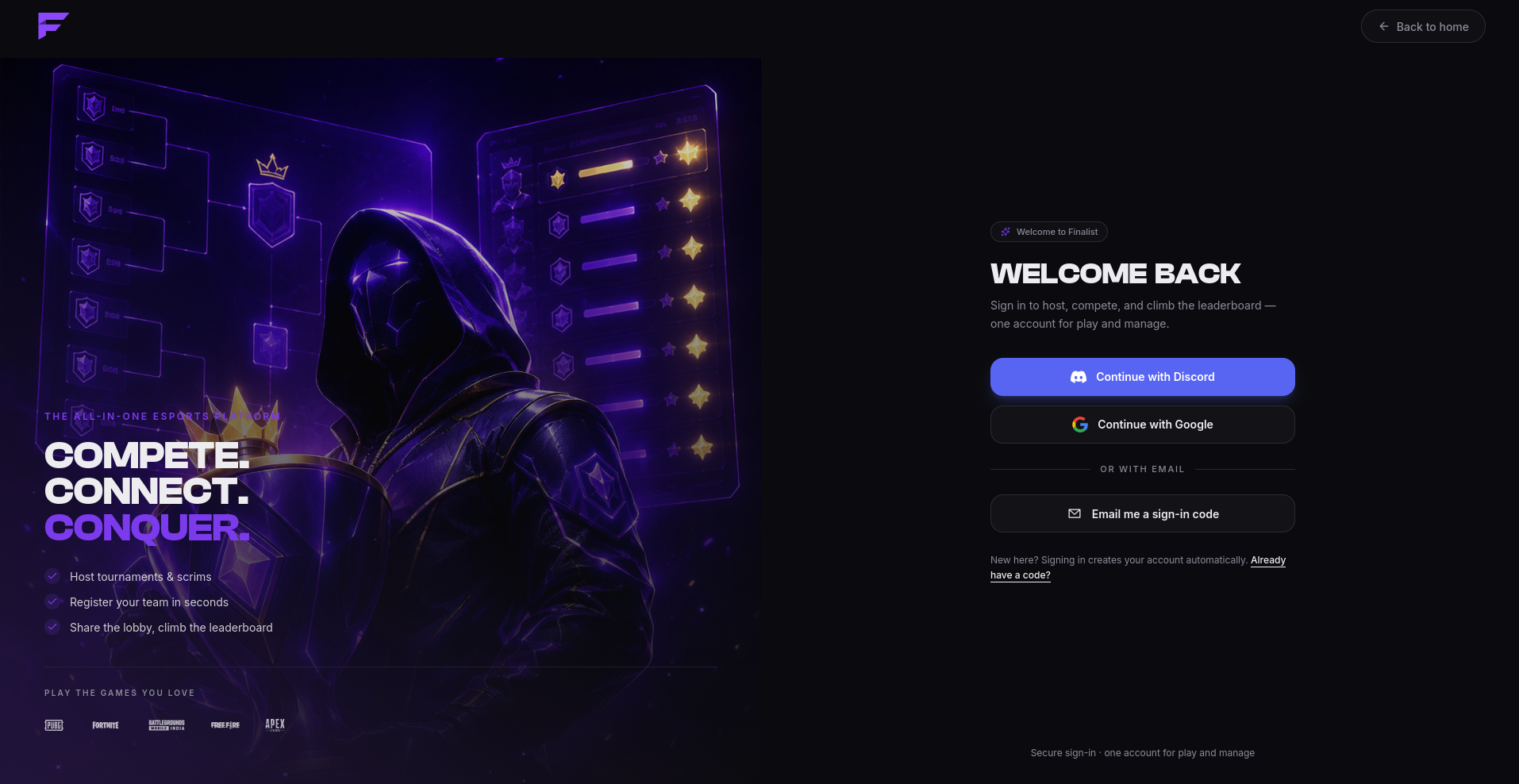
Go to play.finalist.live and sign in. There are three ways:
- Discord, which also links your Discord account, so the bot recognises you immediately.
- Email, where we send a 6-digit code. There is no password.
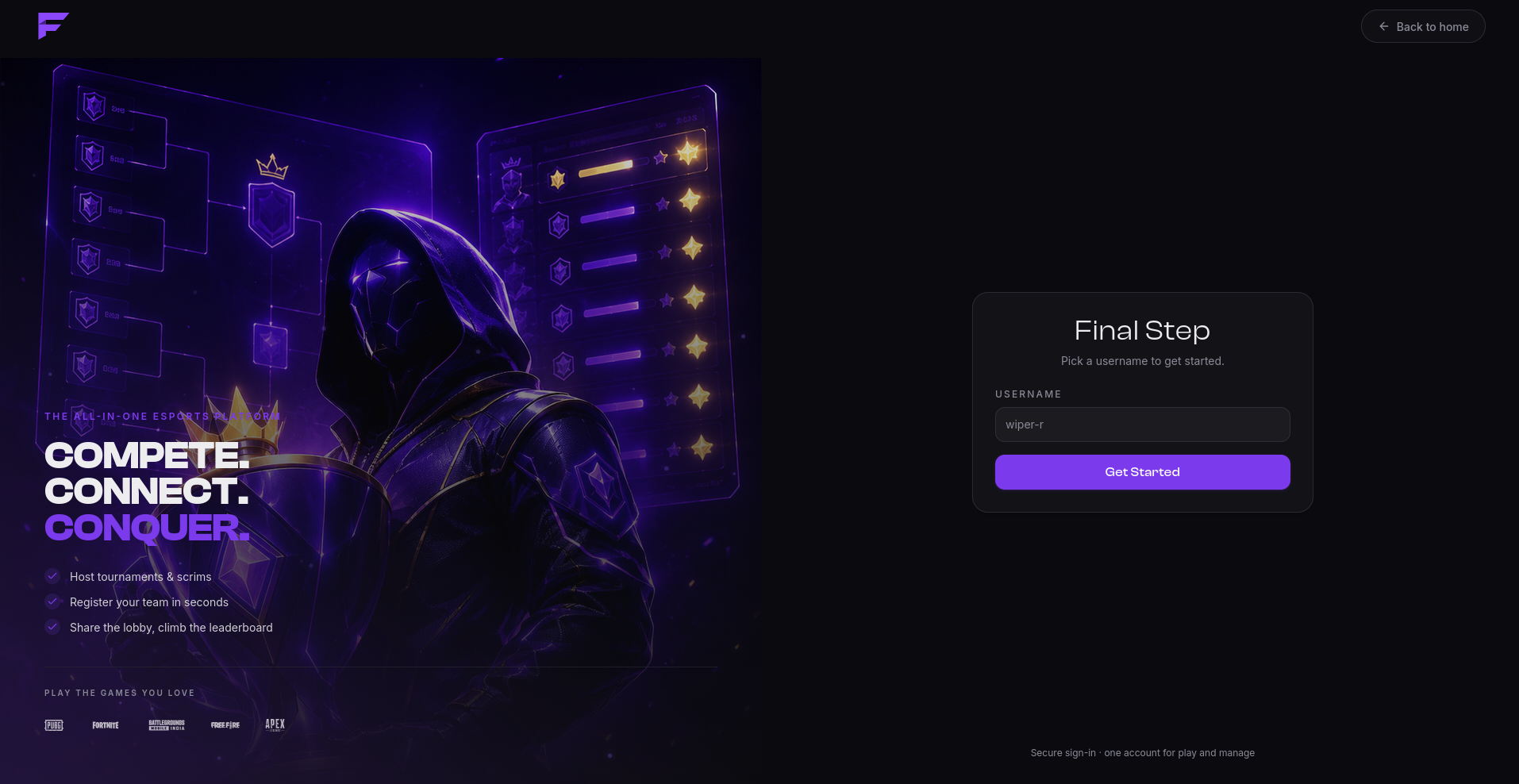
Pick a username
New accounts are sent to a username step before anything else. This isn't optional: until you have a username, almost every other part of the platform stays closed to you. Pick it once, then carry on.
Add your in-game names
Set your IGN for each game you play, once, on your profile. From then on it fills itself in whenever you join a scrim's lineup. Some hosts require it, and will kick players from the lineup who don't have one. See Your account.
If you play
- Create a team or join one with an invite link or team code.
- Browse scrims on play.finalist.live.
- Your captain registers the team and picks the lineup.
- Watch for room details shortly before start.
Only captains register a team. If you're not the captain, you don't need to do anything past joining the roster and setting your IGN.
If you host
- Create an organization. Scrims belong to an org, not to you.
- Create a scrim and publish it.
- Open registration, let teams in, assign slots.
- Publish room details, run the match, declare results.
Hosting the same scrim every day? Use a preset and Finalist will create each instance for you on schedule.
If you run a Discord server
Invite the bot. Finalist creates an organization for the server by itself, named after it,
and you take ownership by running /claim. That's the whole setup; there's no form to fill
in first.
From then on, scrim announcements land in the channel you choose, and your members get
/scrim, /team, /me and /org. See Connect your server.
Already have an organization? Connect the server to it from the dashboard instead.
Note: stuck, or something here doesn't match what you see? Hop into our support server and we'll help you out.